The Library Proxy Service provides a platform-independent connection method to access the HKMU Electronic Library services.
If it is the first time you use this service, set-up of browsers is required. Please follow the instruction to set up the browser (you only need to set up ONCE per PC).
When the set-up is completed, please follow the steps below to log in to the proxy service.
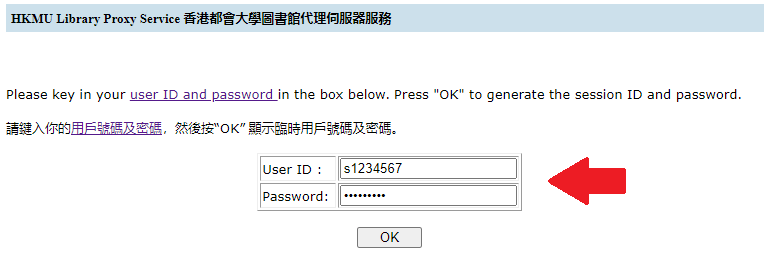
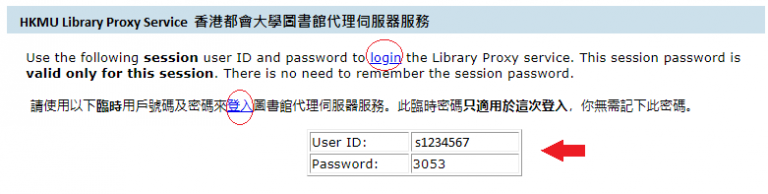
1. You need to come here to get a Session User ID & Password every time before accessing the Electronic Library resources.